How To Do A Website Speed Test in 2026: 3 Free Tools After Google Update
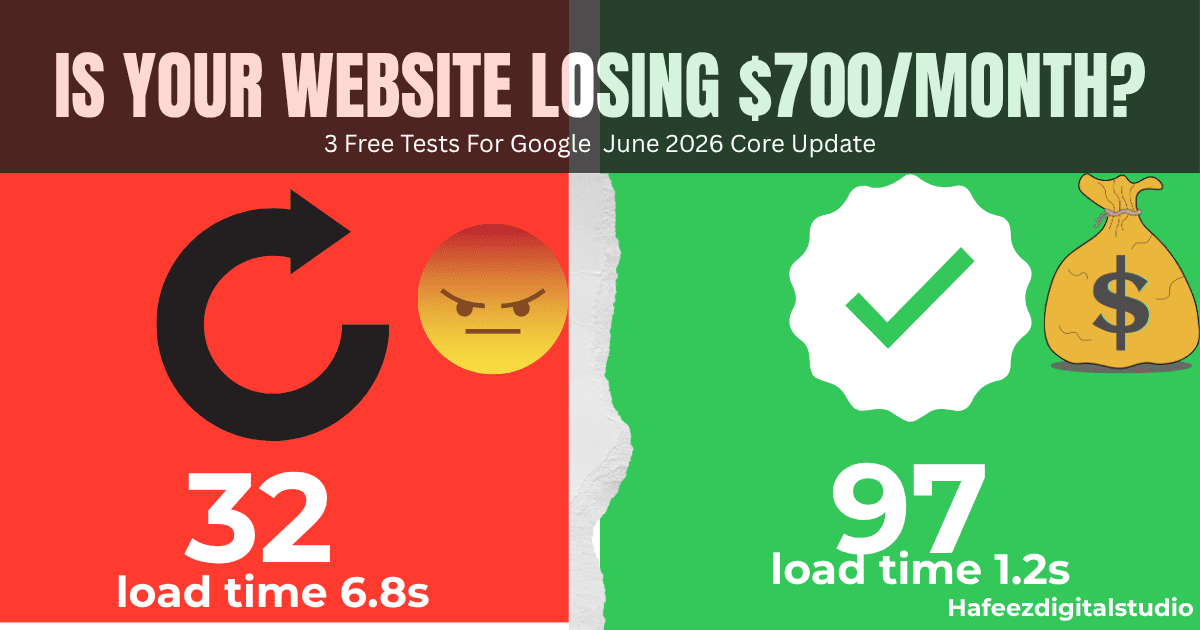
If your website speed test score is below 90, you’re losing money after Google’s June 2026 Core Update.
With global fuel prices hitting record highs this week, more customers are buying online. But if your website takes longer than 3 seconds to load, 53% of mobile users will leave.
And after Google’s June 2026 Core Update, slow sites don’t just lose customers — they lose rankings too.
Last week, a client called me at 11 pm: “Hafeez, I spent $500 on ads and got zero orders.”
I opened his site. 11-second load time. In 2026, that’s basically a closed sign on your store. A simple website speed test could have saved his business.
According to Amazon, every 1-second delay costs 7% in conversions. For a business making $10,000/month, that’s $700 gone because your homepage was slow.
The good news? You can diagnose your site in 5 minutes using 3 free tools. No coding needed.
In this guide from HafeezDigitalStudio, you’ll learn the exact tests Google uses to judge your site and how they connect to ranking in AI search engines in 2026.
Before we start: Open a new tab and pull up your website. We’re going to test it together.
Test #1: Google PageSpeed Insights – The Google Standard
Google’s June 2026 Core Update finished rolling out 3 days ago. The biggest change? Interaction to Next Paint (INP) is now an official Core Web Vitals. INP measures how fast your site responds when users click, tap, or type.
Translation: If your WordPress menu lags or your “Add to Cart” button freezes, Google will drop you. This is now a major factor for AI Overviews too.
Add record heatwaves across Europe, Asia, and the US, and you get more mobile traffic than ever. Mobile users on 4G in 40°C heat have zero patience for a 6MB homepage.
Case study: We optimized a local bakery site from 8.2s to 1.9s load time. Result? Online orders up 23% in 2 weeks. Speed = money.
How to Run the Test in 60 Seconds:
- Go to pagespeed.web.dev
- Paste your URL and click “Analyze.”
- Check 3 metrics under Core Web Vitals:
| Metric | Good Score 2026 | What It Means |
|---|---|---|
| LCP | Under 2.5s | How fast the biggest image/text loads |
| INP | Under 200ms | How fast the site responds to clicks |
| CLS | Under 0.1 | Does your layout jump around? |
Failed? 80% of WordPress sites fail due to unoptimized images and bad hosting. If your LCP is red, your hero image is probably 2MB instead of 200KB.
Honest truth? My own site was 28 in 2024. I was running 15 Elementor addons like an idiot. Deleted 11 of them. Score hit 91. Sometimes we’re our own worst client.
Test #2: GTmetrix – The Business Owner’s Report
GTmetrix gives you a grade even your client will understand. It also shows the difference between AEO vs SEO because speed affects both.
- Go to gtmetrix.com
- Test from “London, UK” and “Dallas, USA” to see global speed
- Focus on these 3 numbers:
- Fully Loaded Time: Under 3s is the goal. Over 6s = users gone.
- Total Page Size: Under 2MB. Over 5MB = hosting bill + lost sales.
- Requests: Under 50. Over 100 = too many plugins.
Pro tip: Click the “Waterfall” tab. The longest purple bar is usually a slider plugin, or a YouTube embed killing your speed.
WP Rocket vs LiteSpeed? I pick LiteSpeed every time. Free, and if your host supports it, it’s beast. WP Rocket’s good- but $59/year stings when you are starting out.
Test #3: WebPageTest – The Pro Level Audit
This is what agencies use to charge $500 for audits. You get it free.
- Go to webpagetest.org
- Settings: Test from “Moto G4 – 4G” in “California”
- Check “Filmstrip View” – you’ll literally see your site loading frame by frame
If your logo appears at 5 seconds, you have a problem. The first thing users should see is content, not a blank white screen.
Bonus: WebPageTest also checks if your CDN and HTTPS are set up right. Two ranking factors in one test.
Failed the Tests? Here’s Your 24-Hour Fix Plan
Don’t panic. Most WordPress sites can jump from 40 to 85+ score in one day.
- Images: Install ShortPixel or Imagify. Bulk convert to WebP. A 1MB JPG becomes 150KB with no quality loss.
- Cache: Install LiteSpeed Cache if your host supports it. If not, use WP Rocket. Turn on “Delay JavaScript” for instant INP boost.
- Hosting: If you’re on $3/month EIG hosting, you’re losing money. Migrate to Cloudways, SiteGround, or Rocket.net. Your host is 40% of your speed.
- Plugins: Deactivate and delete everything you don’t use. Slider Revolution alone can add 2 seconds.
Still stuck under 70? Google’s Core Update won’t wait.
Get a Free Speed Audit from Hafeez Digital Studio
Screenshot your PageSpeed score and email it to us. We’ll send you a 2-minute Loom video showing exactly what’s slowing your site down + how to fix it. No cost, no pitch.
If you want us to fix it, our WordPress Speed Optimization package starts at $99 and includes a Core Web Vitals guarantee.
Stop guessing – run a website speed test now before Google drops your rankings further.
Conclusion
Your website is your 24/7 salesperson. If it’s slow, it’s rude to customers and Google. Run these 3 tests today. Fix what you can.
And if you need help, Hafeez Digital Studio handles WordPress speed, SEO, and design so you can focus on sales. Speed is now directly tied to visibility in AI Search.
The June 2026 update already pushed 3 of my clients to page 1. The slow one, page 3. Google’s not playing anymore.
2 a.m. last night. Another client: “Is my site down?” Not down. I checked his website speed test. Just 12 seconds to load. In 2026, that is down. Run these tests before your coffee gets cold.
FAQs
Q1: What is a good website speed score in 2026?
90+ on Mobile in PageSpeed Insights. Anything below 70 will hurt after the June 2026 update.
Q2: Does website speed affect AI Overviews?
Yes. Google pulls fast, stable sites for AI Overviews. If your INP is slow, you won’t be cited. Read more about how AI Overviews are changing SEO.